Support · part of the Spodus suite
Ticket systems that know the whole account.
Spodus Support is a customer service ticket system for small teams: one shared queue, SLA timers, macros, a knowledge base and a customer portal. Every ticket carries the customer's deals and invoices, because the help desk shares its records with the CRM. Tickets arrive by email and by web form. Portal customers never cost a seat.
A ticket management system, from the request to the answer.
One queue with a clock on it, and the account already on the ticket when you reply.
01
One queue, with a clock on it.
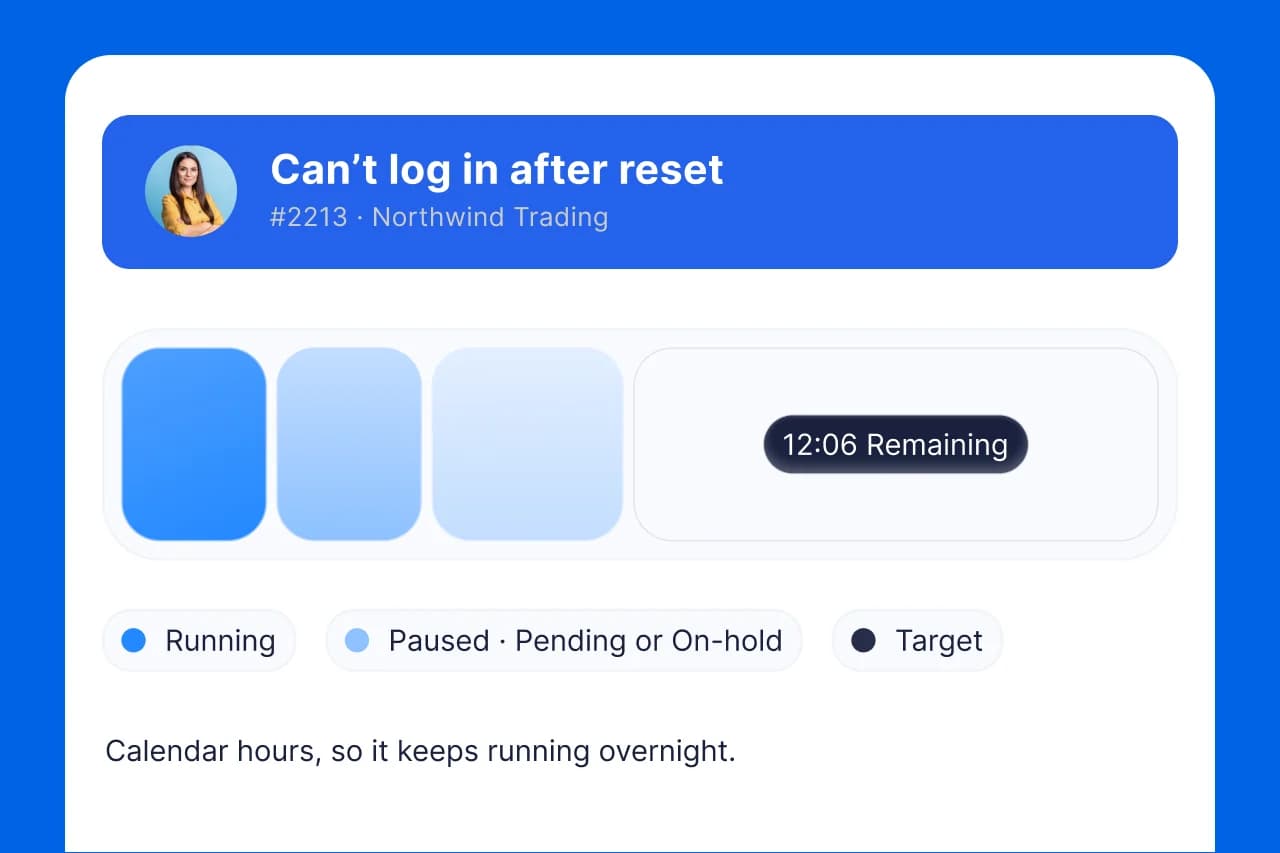
Every request lands in the same list with an owner, a state and a target running, so a ticket cannot go quiet by being nobody's. Automated ticketing at the front door: a forwarded email or a web form opens the ticket and starts the clock, with nobody typing it in.
- Shared queue. Every ticket in one queue, with the ticket tracking tools on the ticket itself: owner, priority, status and the clock. Nothing is quietly dropped.
- SLAs. Targets and timers that keep first response and resolution on track for you.
02
Answer with the account in front of you.
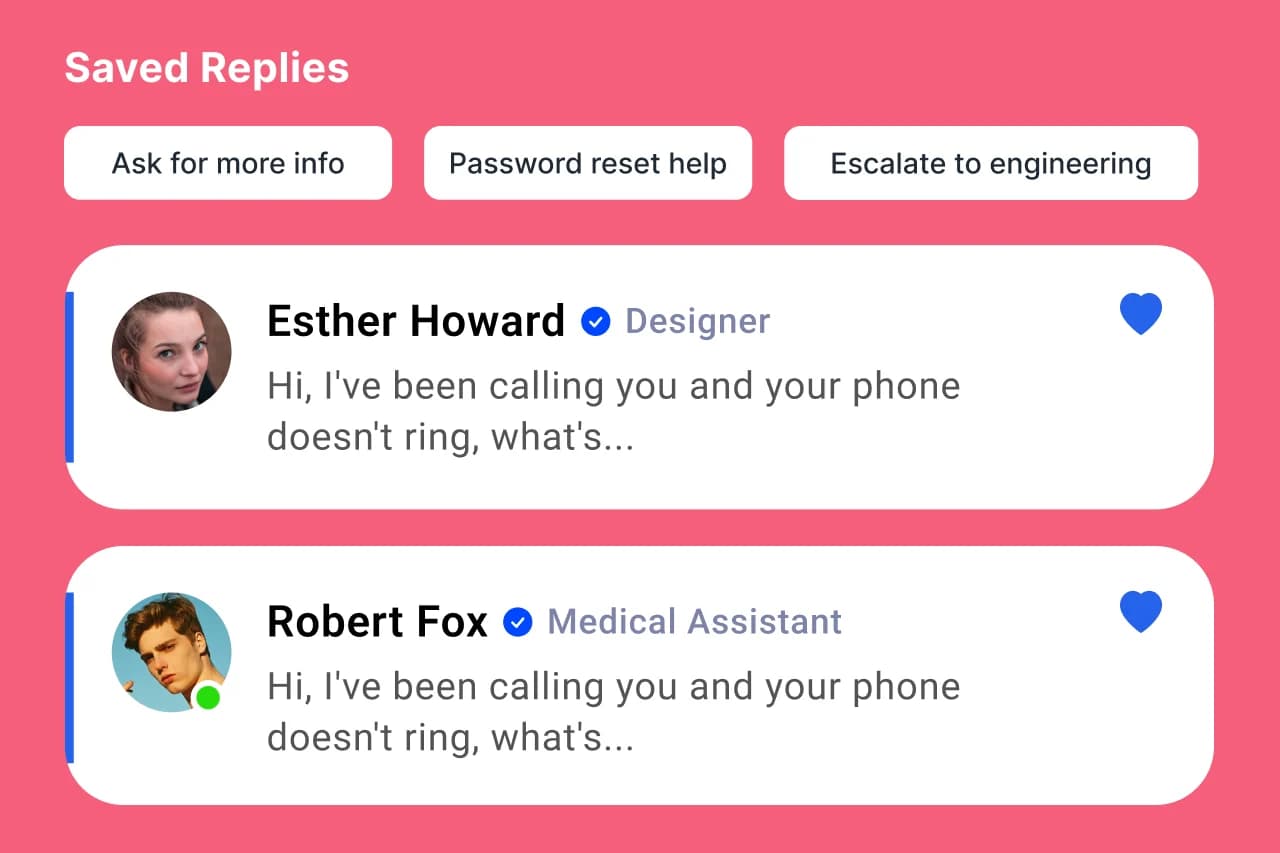
The help desk and the CRM share one record. A reply does not start with a message to finance asking whether this customer has paid. The answers you send twenty times a week are already written.
- Full customer context. Deals, invoices, and history on every ticket, pulled in automatically.
- Macros & canned replies. Answer the common questions in seconds with saved, personalized responses.
03
Or let them answer it themselves.
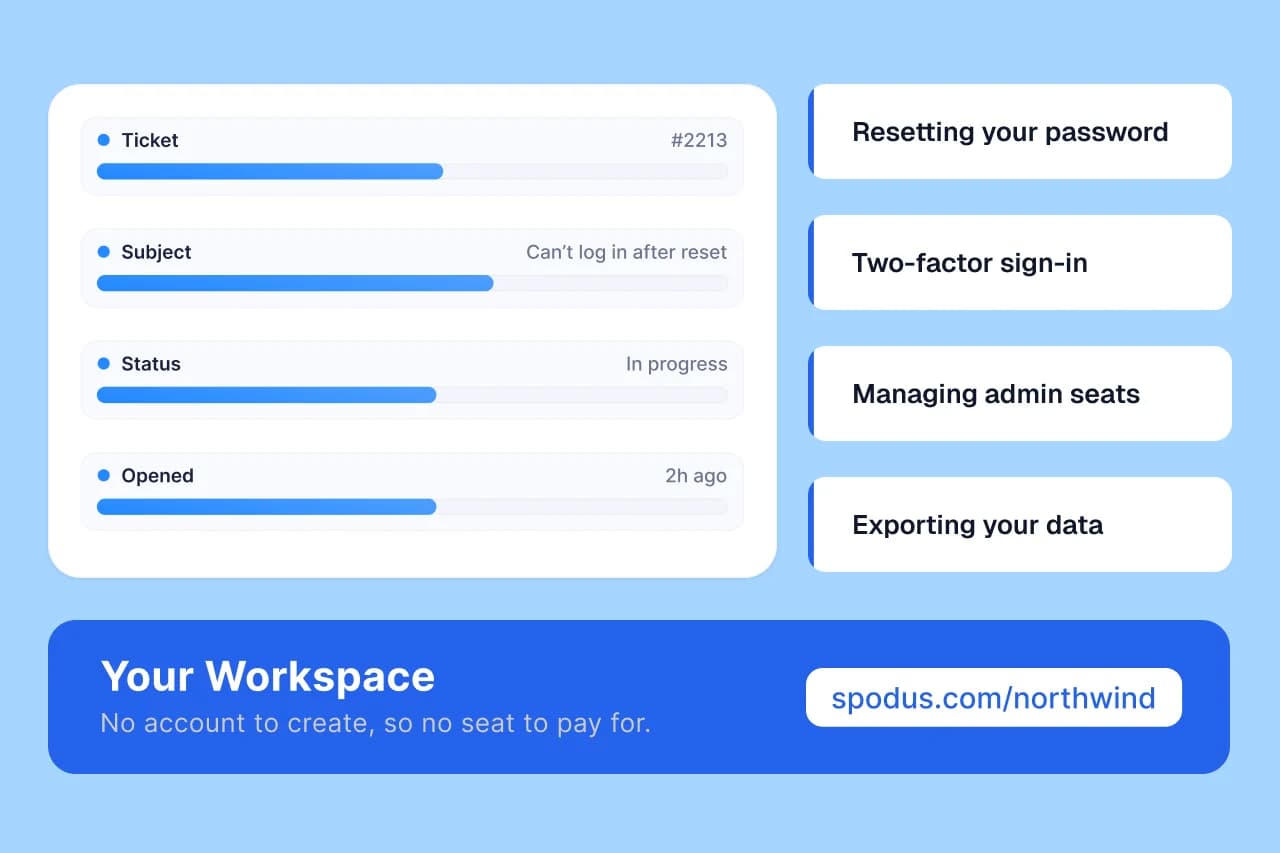
A customer opens and tracks a request from a link with no account to create, and reads what you published without one either. Neither is a login, so neither is a seat.
- Customer portal. Customers submit and track requests themselves, free, never a seat.
- Knowledge base. Deflect tickets with articles customers can find and read for themselves.
One connected system
Answer with the whole account in view.
A ticket in Spodus isn't just a message, it's the customer's deals, invoices, and history, right there. No tab-hopping to the CRM or chasing finance to find out if they've paid.
- Every ticket shows the customer's open deals and revenue.
- See payment status inline, no message to finance required.
- Turn a ticket into a deal or an invoice when it's really an upsell.
Support stands on the same platform as the other four.
Your records
- Your own fields and objects
- Table, board and calendar
- Import from a file
The work
- Time tracking
- Automations and webhooks
- Docs, goals and forms
Oversight
- Dashboards
- Roles and permissions
- Deleting is reversible